Skip to content

About NovaGen3D

Make the first 3D version easier to evaluate.

Review the idea before committing to detailed production.

NovaGen3D brings model generation, appearance exploration, component separation and movement tools into a browser workspace. Use them to find a useful starting point, inspect the result and decide what to refine next.

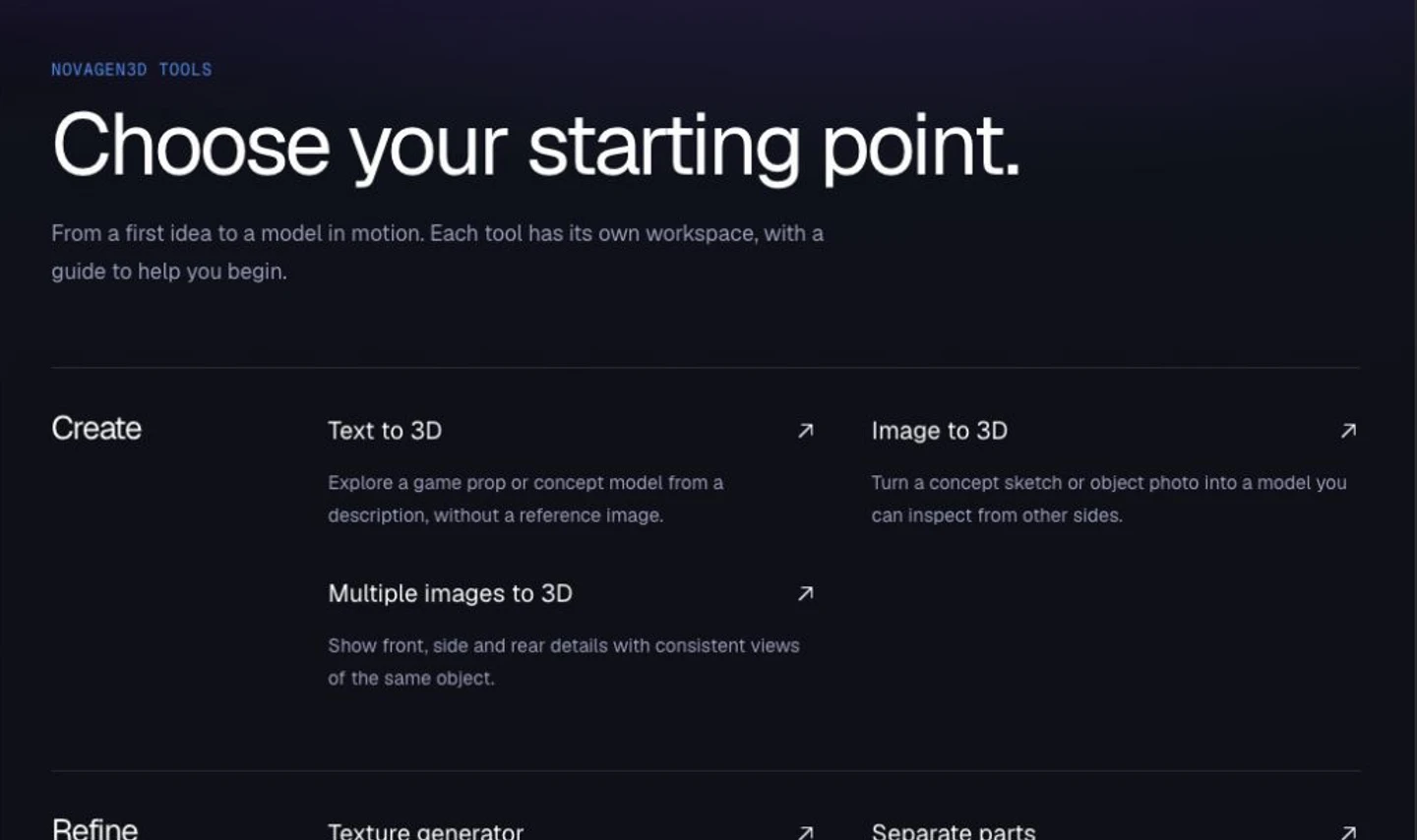
NovaGen3D tool directory showing creation and refinement entry points.
Choose a workflow by your input and the change you need.

Who it helps

A practical start for props, characters and product concepts.

For a game prototype, inspect a prop's silhouette or a character's movement before integrating it. For a product concept, compare colors or inspect individual components. For printing, treat component separation and STL export as steps before mesh preparation and slicer checks.

Generated models need review. Your editor remains the place to refine topology, materials, dimensions and animation; your slicer handles the printing decisions.

Choose the next step

Different tools for different decisions.

  1. 01

    Start with the input you have

    Describe a prop when you have an idea, use a concept image when you already have a design, or supply several views when the hidden sides matter.

    TextOne imageMultiple views
  2. 02

    Review appearance and components

    Compare a new finish on a GLB, or separate components for individual editing and reuse. Refine the actual result in your editor before a final handoff.

    Texture generatorSeparate parts
  3. 03

    Choose character posing or movement

    Create an editable humanoid skeleton for posing or apply preset character motions. Choose the tool that fits your animation workflow.

    Auto riggingApply animations
  4. 04

    Inspect and export for the next task

    View local models without an account or credit charge. Convert GLB files into supported formats, then check scale, materials and geometry in your destination application.

    3D ViewerGLB converter

Access and handoff

See the requirements before you start.

Local inspection and conversion

Open local models in the viewer or convert a GLB on your device without signing in. These local operations upload no selected files and use no credits. Local conversion downloads and viewer screenshots are free.

Open the viewer

Quoted credits for AI tasks

Sign in, prepare your input and check the displayed quote before submitting. A subscription or credit pack purchase unlocks private 3D generation and includes original-file downloads. AI tasks still use credits; downloads use no additional credits.

View plans

Formats with different purposes

GLB is the generation starting point for editor handoff. The local converter accepts GLB and exports GLTF, OBJ, STL, PLY or USDZ. Check what the chosen format retains in your actual destination workflow.

Compare exports

Tell us about the task you need to finish.

Share feedback on a result or describe a workflow that needs another tool.

support@novagen3d.com