Skip to content

Convert GLB to USDZ for Apple AR & E-Commerce

Deliver seamless "View in Your Space" AR experiences on iPhone, iPad, and VisionOS. Convert your textured .GLB product models into static .USDZ files right in your browser.

Create a GLB from photos
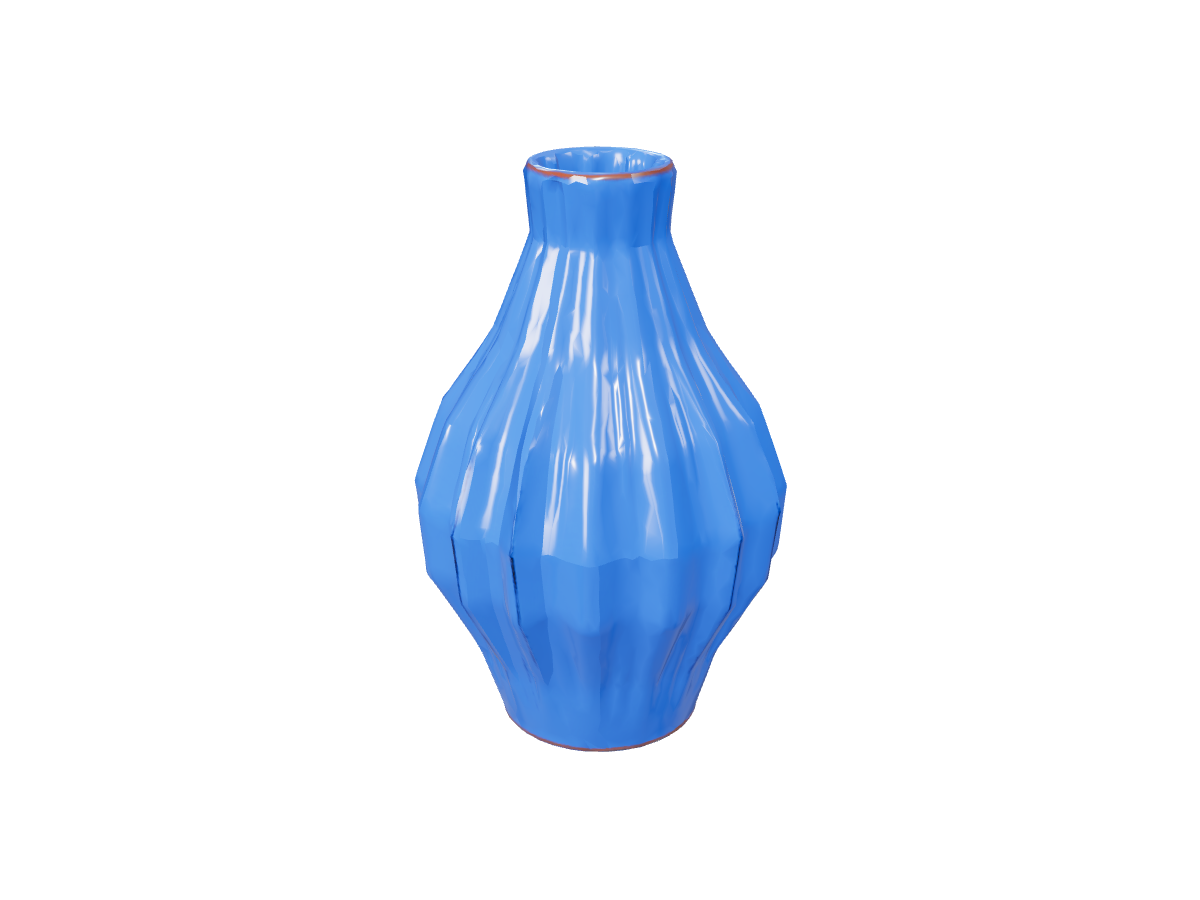
Vase: actual GLB to STL export

STL retains the surface shape shown here without GLB materials, bones or motion.

Power Your Store with Dual-Format 3D & AR

Why You Need Both GLB and USDZ

Web browsers and Android devices use .GLB for interactive 360° viewers, while Apple iOS Safari requires .USDZ to launch native AR Quick Look camera placement.

PBR Material Retention

Automatically maps supported base-color, metallic, and roughness textures from your source GLB into a self-contained static USDZ package. Preview the result on an iOS device to verify lighting response.

Don't Have a GLB Yet?

Turn standard product photography into 3D models using Image to 3D or Multiple Images to 3D, then export both GLB and USDZ in one workflow with the 3D converter.

Frequently asked questions

Why do Shopify and custom online stores require USDZ files alongside GLB?

While GLB powers web-based 3D viewers and Android AR (Scene Viewer), Apple devices (iPhone and iPad) rely on USDZ to render native AR Quick Look previews so shoppers can place furniture, shoes, or decor in their room.

Does the GLB to USDZ converter preserve PBR textures?

Yes, our converter packages supported static meshes and PBR material channels (such as base color, roughness, and normal maps) into the USDZ container. Always preview the exported file on an iOS device to verify lighting response.

Are animations carried over into the exported USDZ file?

This tool exports static USDZ files optimized for product inspection and AR placement. Skeletal rigs and animations are omitted to keep file sizes lightweight for mobile shoppers.

Export Apple-ready USDZ