Skip to content

Turn 2D Product Photos into Interactive GLB 3D Models

Skip expensive 3D scanning studios. Transform flat product photography into lightweight, PBR-textured .GLB models ready for Shopify, WebGL, and 360° e-commerce viewers.

Need Apple AR USDZ?
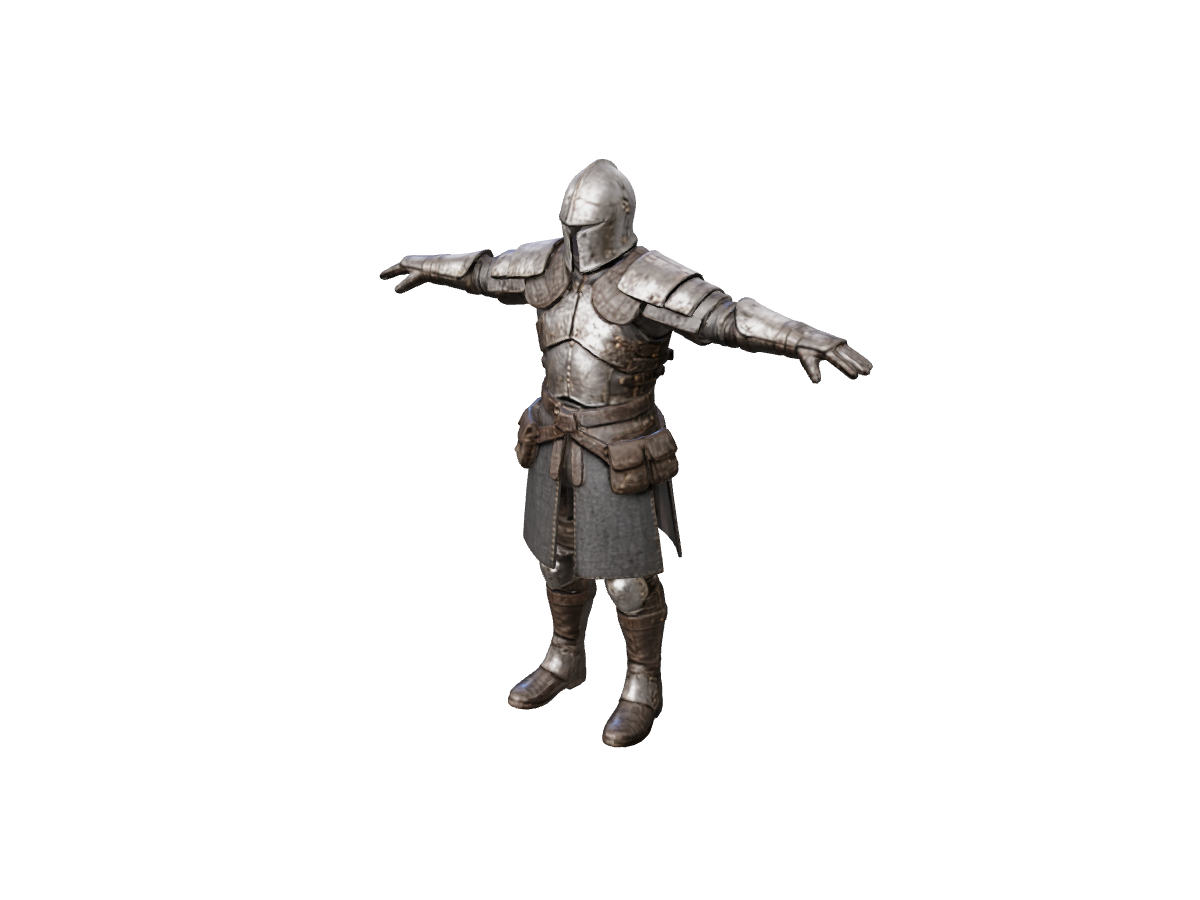
Knight: reference and inferred rear view

Rotate the returned model to inspect its armor silhouette and inferred back.

Image to GLB

Reference image *

Need a 3D-ready reference image?

Generate concept art, character sketches, or product renders with clean silhouettes in AI Image Generator, then convert to 3D with one click.

Generate reference image
Model license
Est. time varies
Loading 3D preview...

Built for Online Stores, Web Developers & 3D Catalogs

Single Photo or Multi-Angle Precision

Upload one clean white-background shot for rapid prototyping, or use Multiple Images to 3D to combine front, side, and back product photos for exact commercial proportions.

Realistic PBR Materials

Generates .GLB files with baked textures when the selected model supports them, or refine surface finishes anytime using our Texture Generator.

One-Click Multi-Format Delivery

Every generated GLB can be converted to .USDZ (for iOS AR), .GLTF, .OBJ, or .STL right in our browser 3D converter—local exports download without a subscription.

Frequently asked questions

Why is GLB the standard format for e-commerce and web 3D?

Known as the "JPEG of 3D," a .GLB file packs 3D geometry, PBR textures, and material definitions into a single compact binary file that loads rapidly in web browsers, Shopify product pages, and Three.js apps.

How can I make sure the back of my product looks accurate in the GLB model?

Instead of relying on a single front photo, use our Multiple Images to 3D tool to upload 2 to 4 photos (front, side, back) of your item so the AI reconstructs every angle more faithfully.

Can I edit the textures of my generated GLB file later?

Yes. You can run your model through our Texture Generator to swap materials, or export it as an OBJ ZIP (with .mtl and texture maps) using the 3D converter for manual editing in Blender.

Create a web-ready GLB