Skip to content

Turn Everyday JPG Photos into 3D Printable STL Models

Upload a standard smartphone JPG photo of your pet, a person, or a physical object. A clear subject on a simple background produces the strongest mesh; then export STL for your slicer.

Use several angles
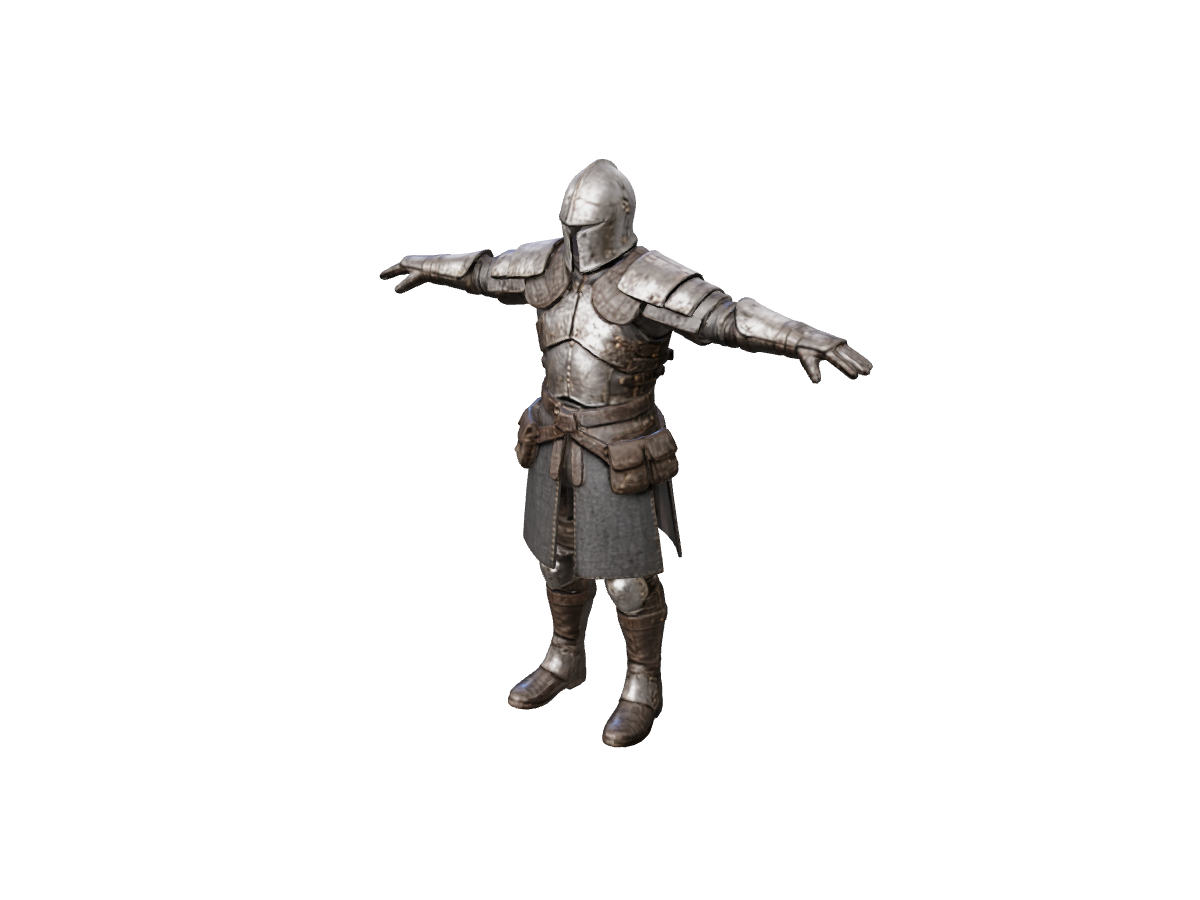
Knight: reference and inferred rear view

Rotate the returned model to inspect its armor silhouette and inferred back.

JPG to STL

Reference image *

Need a 3D-ready reference image?

Generate concept art, character sketches, or product renders with clean silhouettes in AI Image Generator, then convert to 3D with one click.

Generate reference image
Model license
Est. time varies
Loading 3D preview...

Designed for Real-World Smartphone & Camera Photos

Cleaner Inputs, Cleaner Meshes

Real-world JPGs often include living rooms, grass, or desks. Crop tightly to the main subject and prefer a plain backdrop when you can—busy scenes leave more for the model to guess.

Custom Pet & Portrait Figurines

Turn a favorite phone snapshot of your dog, cat, or family member into a custom 3D printable desk figurine or cake topper. After generation, convert the GLB with GLB to STL.

Multi-Photo Accuracy Boost

Have more than one photo? Use Multiple Images to 3D with 2–4 JPG angles of the same object to reduce guesswork on the back side before you export STL.

Frequently asked questions

Do I need to remove the background from my JPG photo before uploading?

Not required, but it helps. A simple background and a centered subject usually outperform cluttered scenes. You can also prep a clean cutout as a PNG and use PNG to STL.

What kind of lighting in a JPG photo gives the best 3D STL result?

Choose a well-lit JPG with even, diffused lighting. Avoid heavy flash glare, extreme dark shadows, or motion blur, as deep shadows can be misinterpreted as surface indentations.

Can I use multiple JPG photos of the same object for a better STL?

Yes. If you photographed a physical object or toy from the front, side, and back, switch to Multiple Images to 3D to reconstruct accurate proportions before exporting to STL.

Generate from a JPG