Skip to content

Convert GLB to STL for 3D Printing in Your Browser

Already have a .GLB model from an AI generator or 3D asset store? Convert it to pure .STL surface geometry instantly on your device—up to 100 MB, with zero server upload delays.

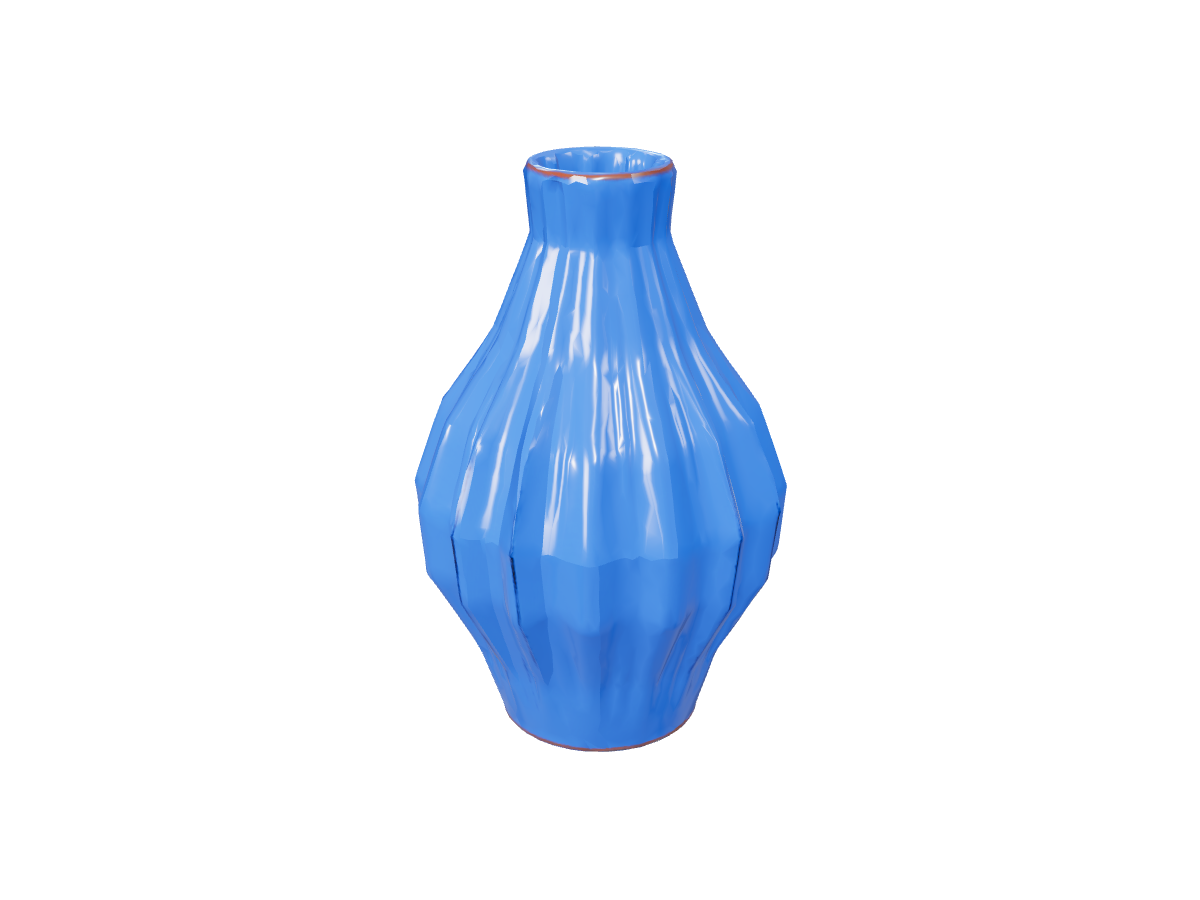
Vase: actual GLB to STL export

STL retains the surface shape shown here without GLB materials, bones or motion.

Why Use NovaGen3D's Local GLB to STL Pipeline?

100% Browser-Side Privacy & Speed

Your GLB file is processed directly in your browser memory (up to 1M triangles / 3M vertices) without waiting for cloud queues. Exports download freely without signing in.

Interactive Clay Mesh Inspection

Compare your textured GLB alongside the stripped STL surface geometry in real time to verify wall thickness and surface detail before opening your slicer.

Need to Split Your Mesh First?

If your GLB model is a single solid piece with difficult overhangs, open it in Separate Parts to split components before exporting your final STL.

Frequently asked questions

What happens to my GLB textures and animations when converting to STL?

The STL format only stores 3D surface geometry (triangles). All PBR materials, colors, skeletons, and animations from the source GLB are cleanly stripped so your slicer receives pure mesh data.

Does converting GLB to STL automatically fix non-manifold holes?

Format conversion translates the exact surface geometry of your GLB into STL triangles. Always check wall thickness, scale, and closed manifold surfaces in your slicer (such as Bambu Studio or Cura) before printing.

Is my 3D file uploaded to a cloud server during GLB to STL conversion?

No. Our converter runs locally inside your web browser on your own device, ensuring instant conversion and complete file privacy.

Download STL from your GLB