
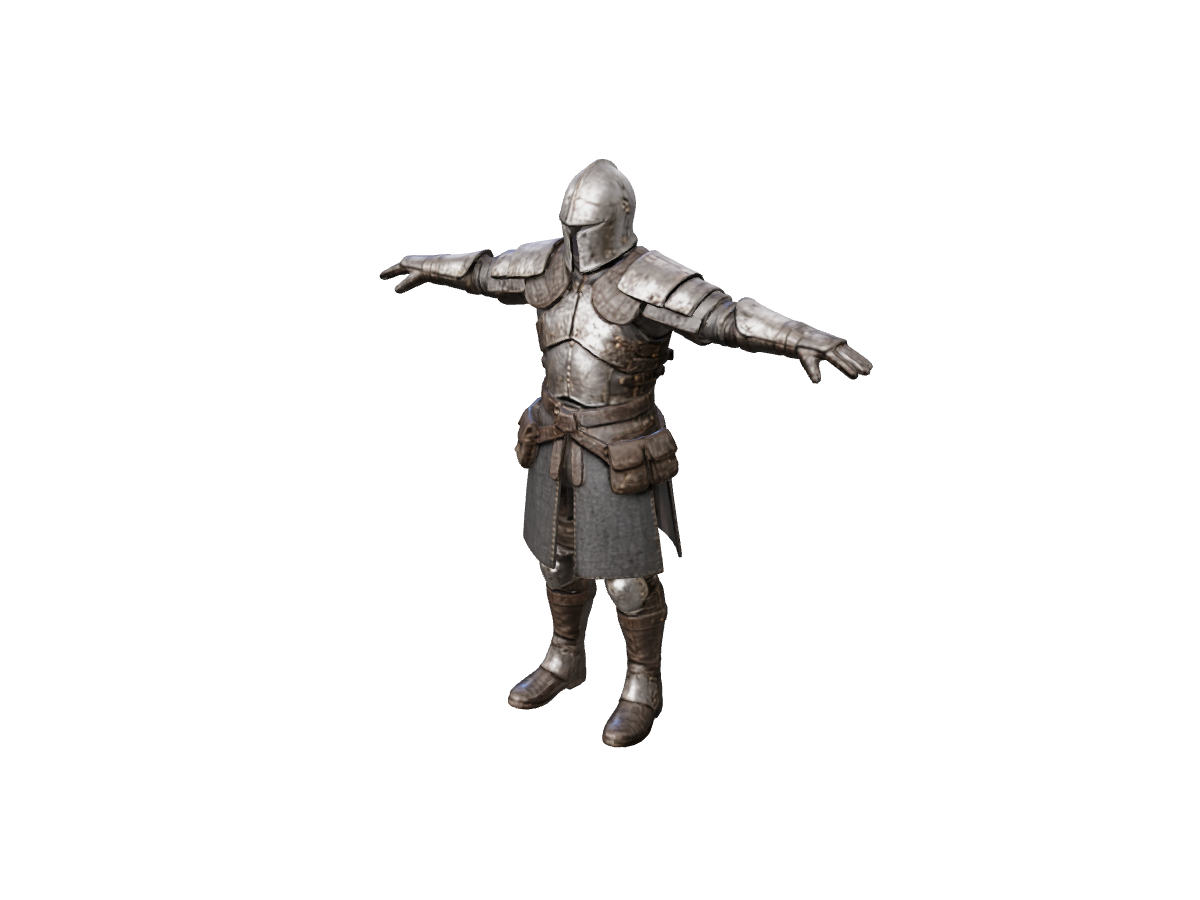
From Flat Picture to Slicer-Ready STL in 3 Steps
Upload Reference Image
Upload character art, product sketches, or toy concepts as PNG, JPG, or WebP. Generation uses credits and returns a GLB you can rotate. For accurate back-side geometry, switch to Multiple Images to 3D to feed front, side, and back views.
Optional: Split into Printable Parts
Complex overhangs? Use Separate Parts to break your generated mesh into clean sub-components—ideal for multi-color printing and minimal support material.
Export Pure STL Geometry
Open the generated GLB in the GLB to STL converter or the full 3D converter to produce a clean .STL surface mesh in your browser, ready to scale and slice in Bambu Studio, PrusaSlicer, or UltiMaker Cura.