Skip to content

3D model articulation: animate functional moving parts with AI kinematics

Bring static objects to life with functional joint kinematics. NovaGen3D's Animate Parts analyzes your 3D GLB model and a written motion brief to calculate joint pivots, rotational limits, and sliding axes—exporting an animated GLB ready for interactive presentations, game engine triggers, and product showcases.

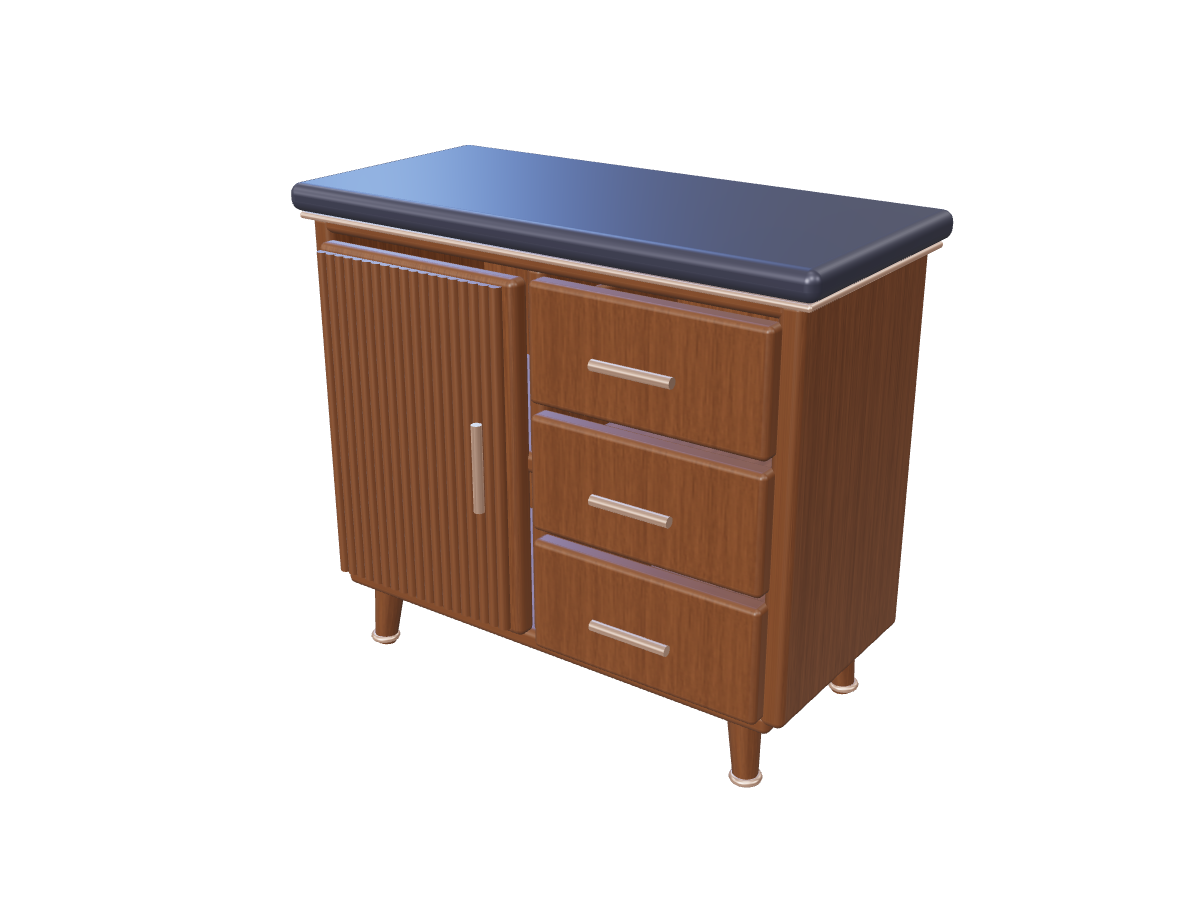
Cabinet: original opening and closing study

Animate Parts workspace

Model examples

Animate Parts

0/1000

GLB model *

Select the model you want to work on.

ResultsNo task selected
Loading 3D preview...

From swinging cabinet doors to telescoping robotic arms, explore mechanical motion from a written brief. Animate Parts requires an active Basic, Studio, or Pro subscription plan.

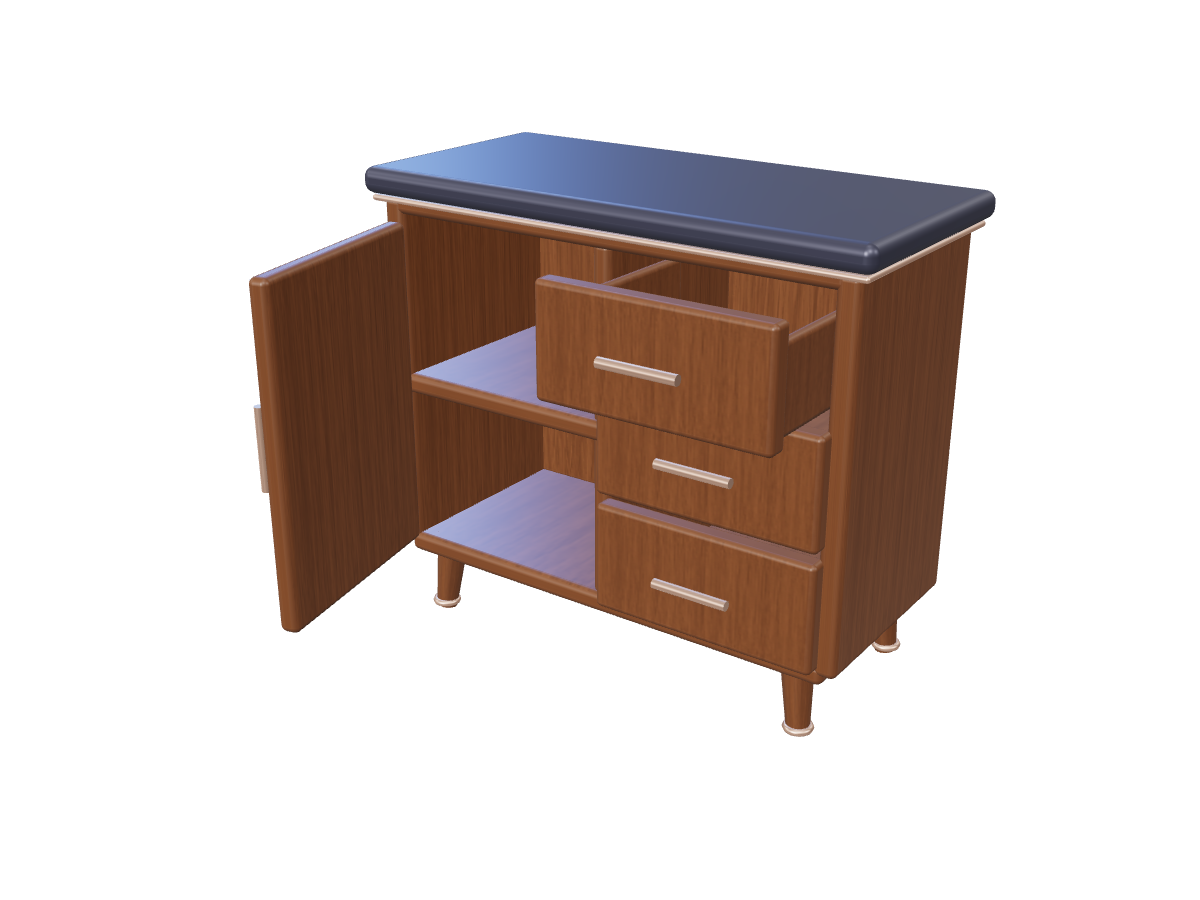
Cabinet: original opening and closing study: Door and drawer in motion

Defining mechanical relationships with natural language

Animate Parts interprets physical relationships between stationary bases and moving components. Structure your movement description around three core specifications: [Stationary Anchor] + [Moving Component] + [Type & Extent of Motion].

Movement brief examples

  • Revolute (Hinges & Rotations): Rotating around a fixed pivot point. Example: "Keep the laptop chassis firmly stationary. Rotate the display screen smoothly upward 110 degrees along the rear hinge axis, pause, then return."

  • Prismatic (Sliding & Translation): Linear movement along an axis. Example: "Keep the nightstand frame anchored. Slide the top wooden drawer outward along its front runner by 20 centimeters without moving the base."

  • Oscillating & Repeating: Looping mechanical cycles. Example: "Anchor the industrial fan base. Rotate the three fan blades continuously in a clockwise loop around the central motor shaft."
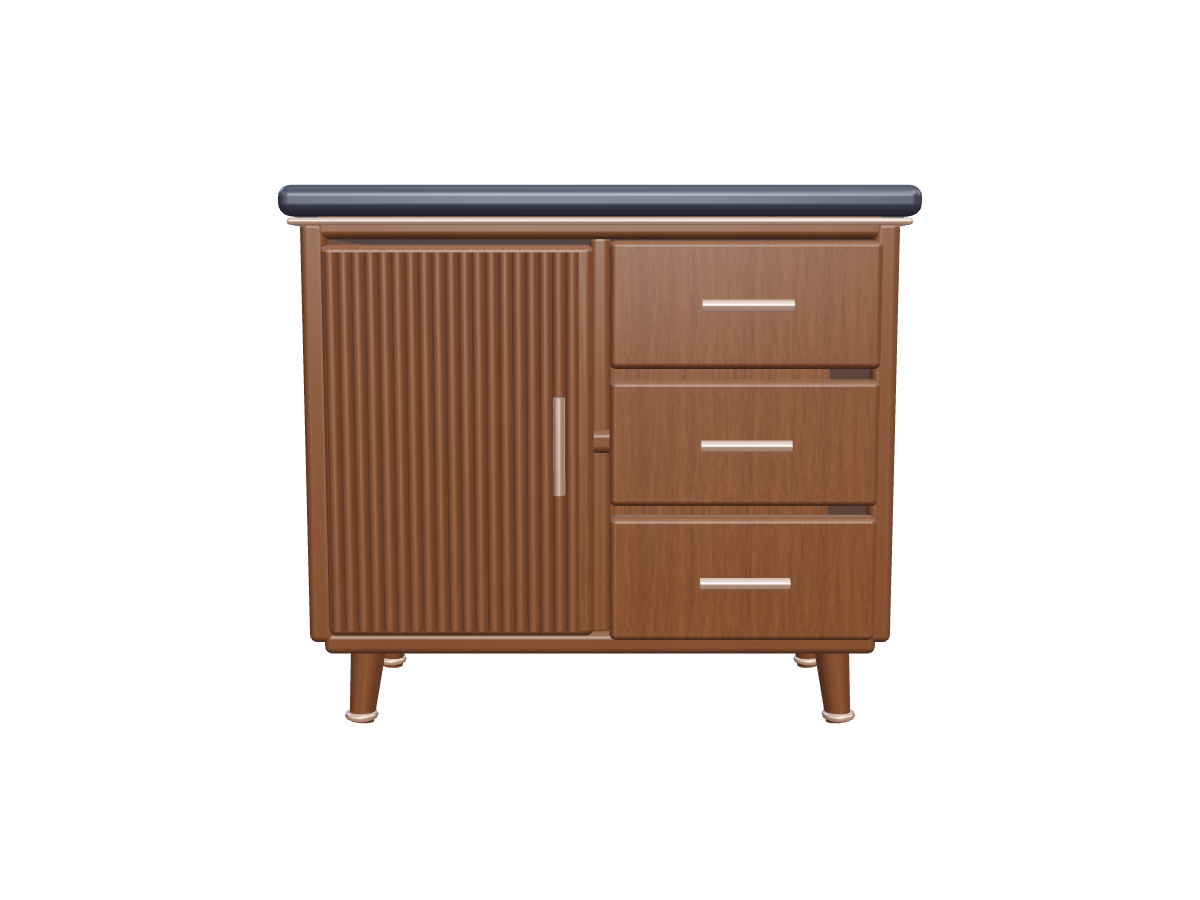
Fluted walnut cabinet: front reference

Best practices for model preparation

  1. Clear visual seams: Models where moving parts have distinct boundaries (or models pre-processed using 3D Part Segmentation) yield the sharpest joint placements.

  2. Explicit anchors: Always clarify which part remains stationary so the algorithm anchors the root transform properly.

  3. Plausible motion ranges: Specify realistic ranges of motion (e.g., 90-degree swing) to prevent mesh intersections with adjacent surfaces.

Step-by-step: From static model to animated GLB

  1. Upload your GLB model: Select a glTF 2.0 (.glb) file or provide an accessible HTTPS model link.

  2. Enter your movement brief: Describe the intended joint relationship, fixed parts, and range of movement in the prompt box.

  3. Execute articulation task: Sign in with an active paid plan (Basic, Studio, or Pro) and launch the task. The kinematics engine solves for pivots and generates keyframed animation tracks.

  4. Review and download: Preview the looping motion in our 3D viewport. Download the animated GLB and check glTF animation support in your destination game engine, WebGL renderer, or presentation software.

Cabinet: original opening and closing study

Cabinet: original opening and closing study: Closed cabinet
Closed cabinet
Cabinet: original opening and closing study: Door and drawer in motion
Door and drawer in motion

Frequently asked questions

Is Animate Parts a physical stress simulation engine?

Animate Parts focuses on visual motion concepts and interactive animation for game development, digital twins, and product presentations. For engineering stress analysis, load calculations, or tolerance testing, use specialized CAE software.

How does Animate Parts differ from Auto Rigging?

Animate Parts is designed for hard-surface objects, furniture, machinery, and props with rigid mechanical joints (hinges, sliders, pivots). If you are animating an organic bipedal character that needs a skeleton and deformable skin weighting, use our dedicated AI Auto Rigging tool.

What 3D software can read the resulting animation?

The downloaded .glb file contains standard glTF animation channels. You can play embedded clips in our 3D Viewer or import them into Blender. Other editors and engines may require a glTF importer, plugin, or conversion. Three.js and Babylon.js support glTF loading for web playback.

What subscription plan is required?

Animate Parts is a premium feature available on all active Basic, Studio, and Pro plans. Welcome credits and standalone credit packs do not unlock motion tools. Visit our Pricing page to select a plan that fits your production volume.

Animate model parts