
Fluted walnut cabinet
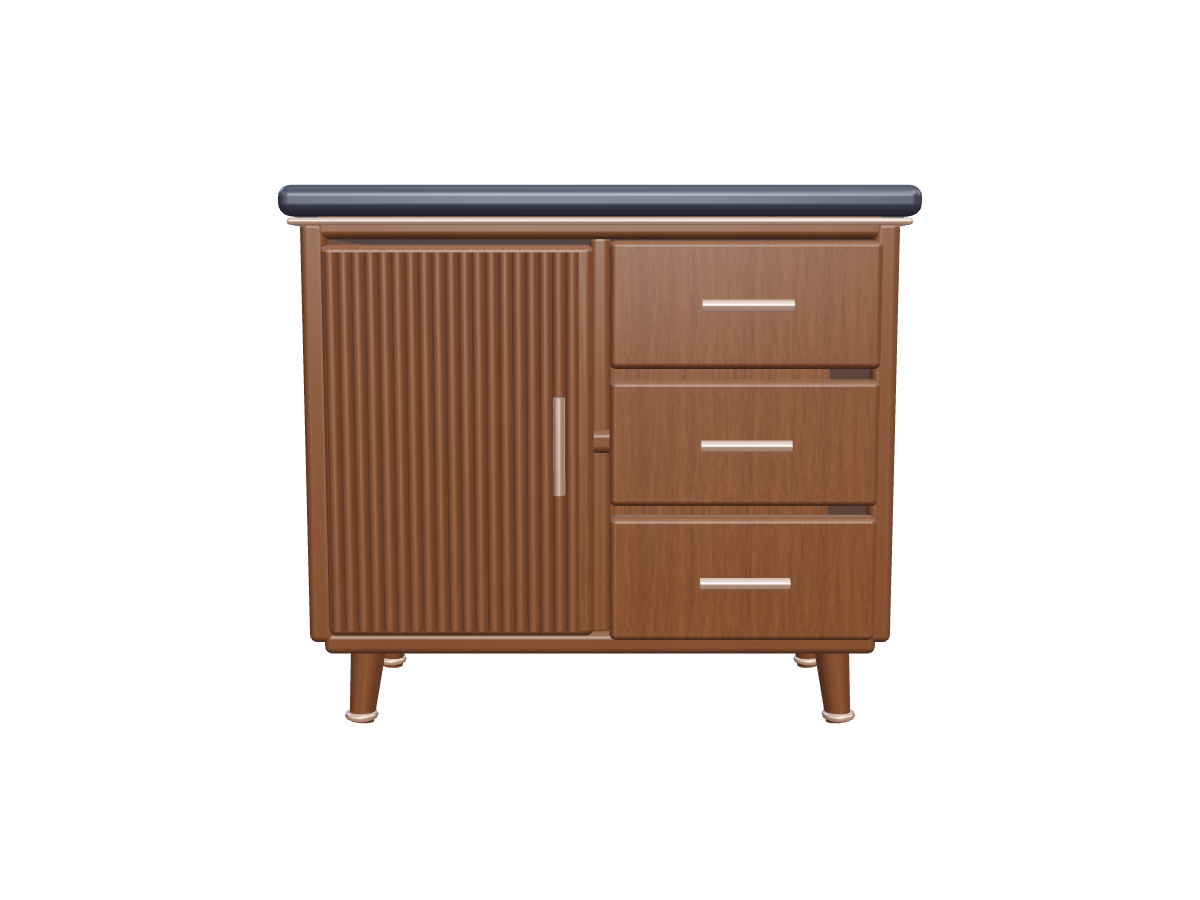
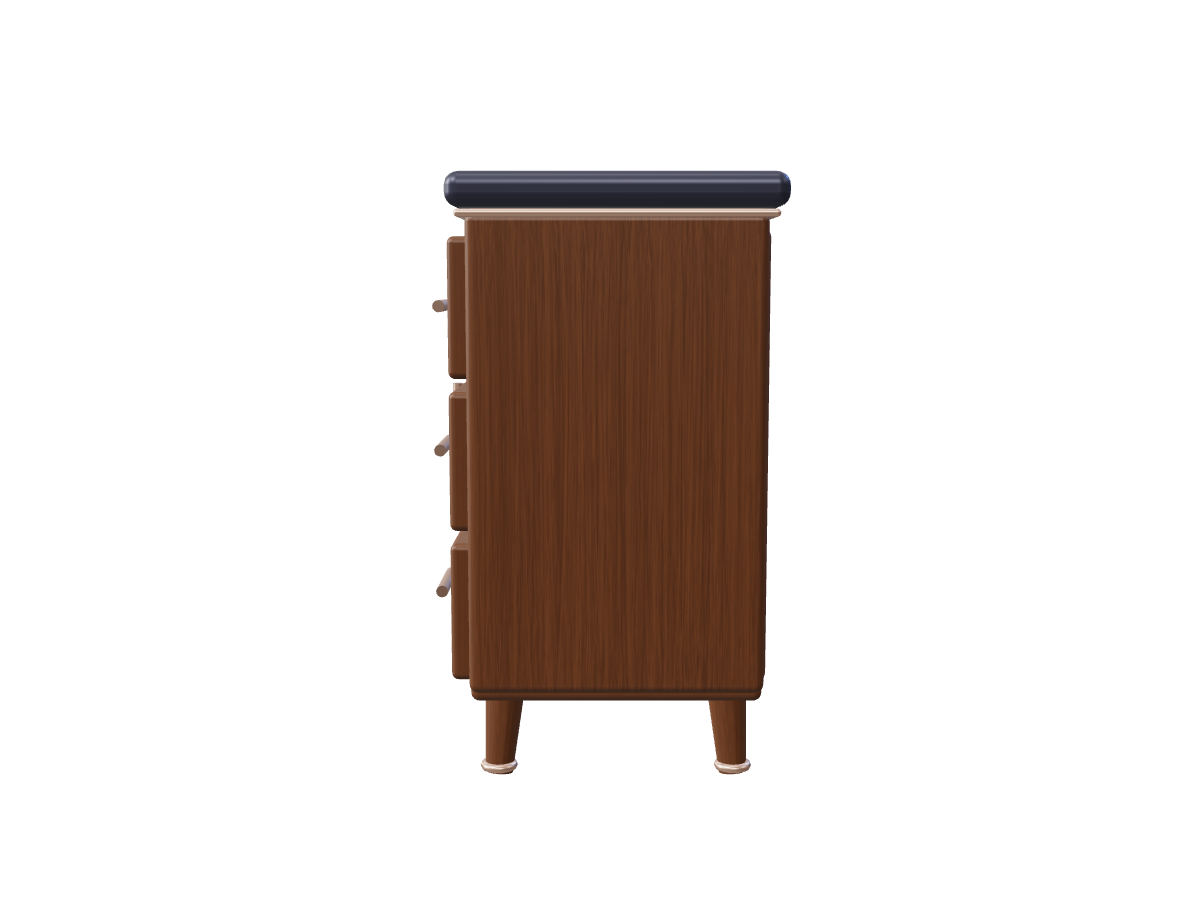
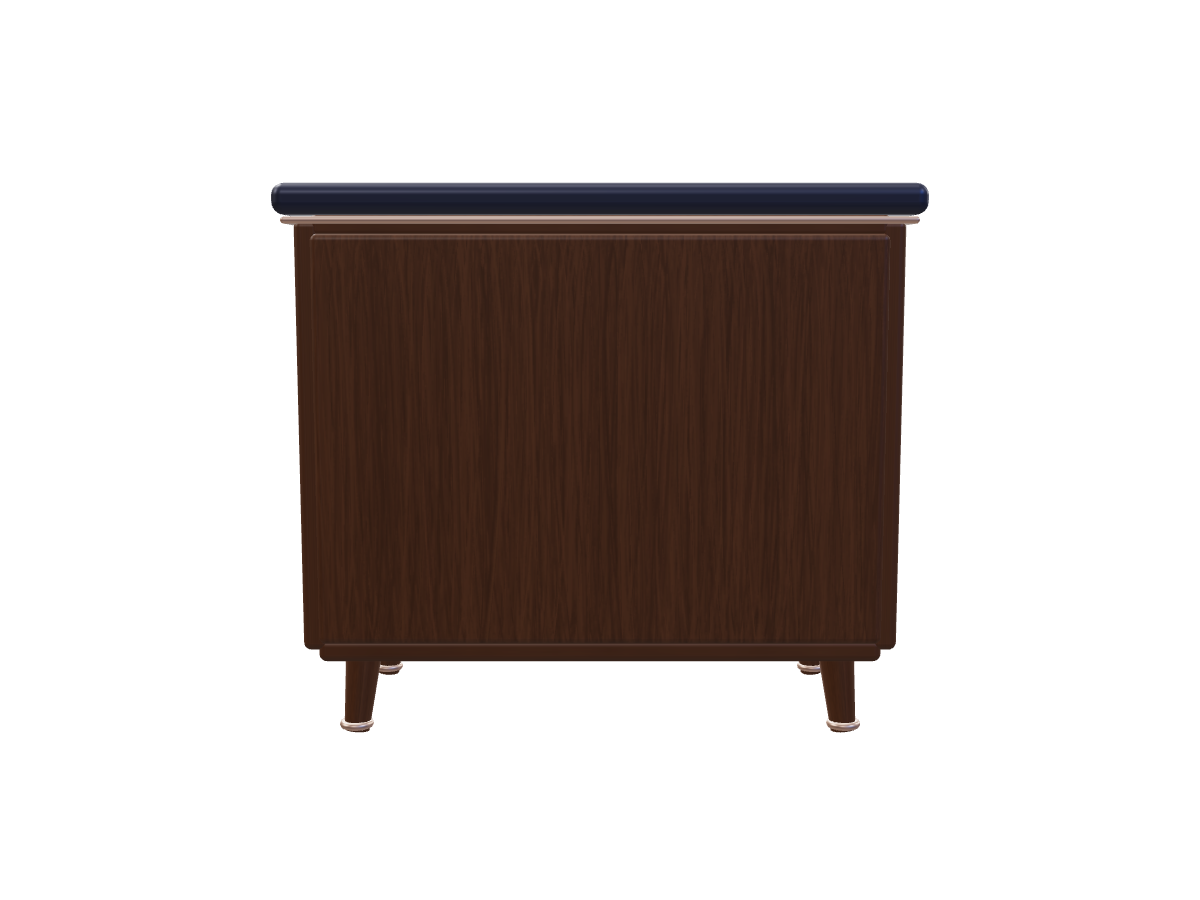
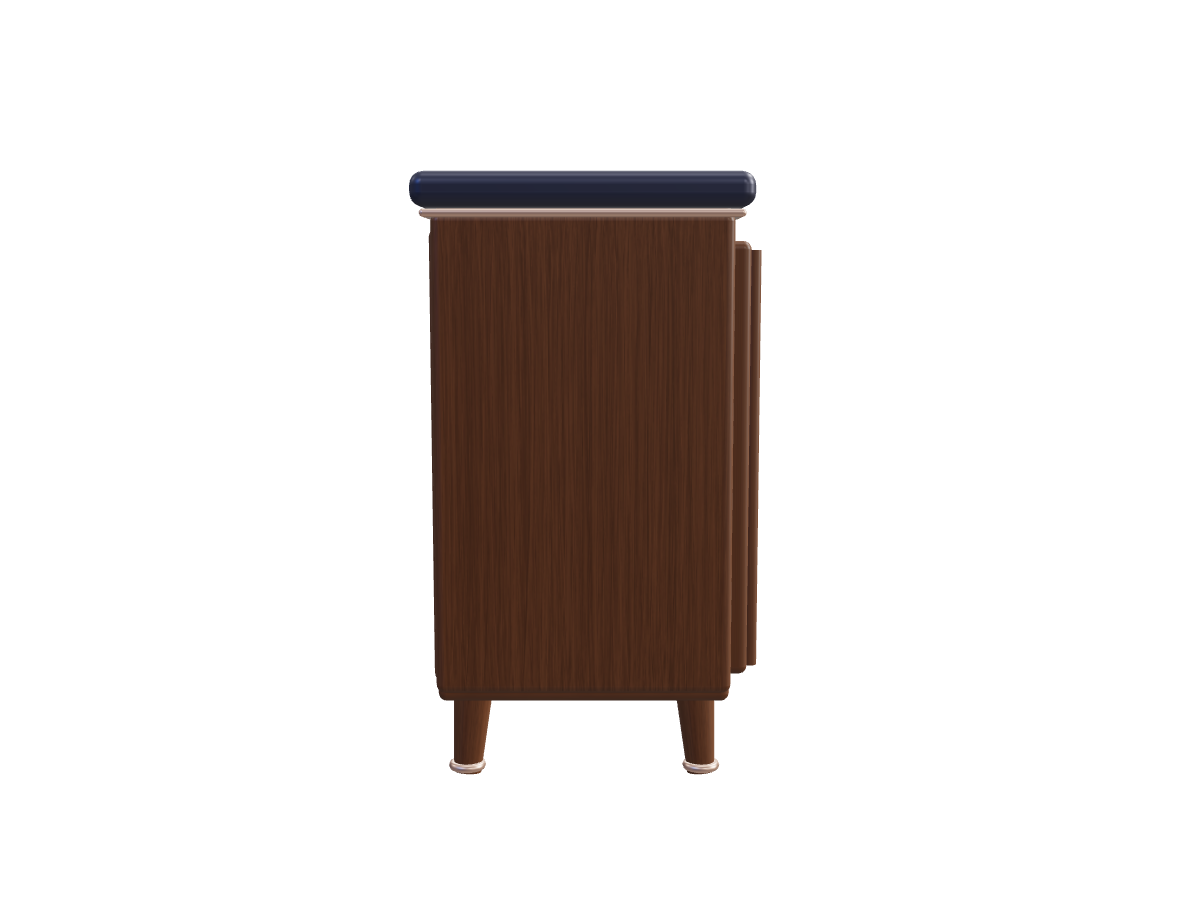
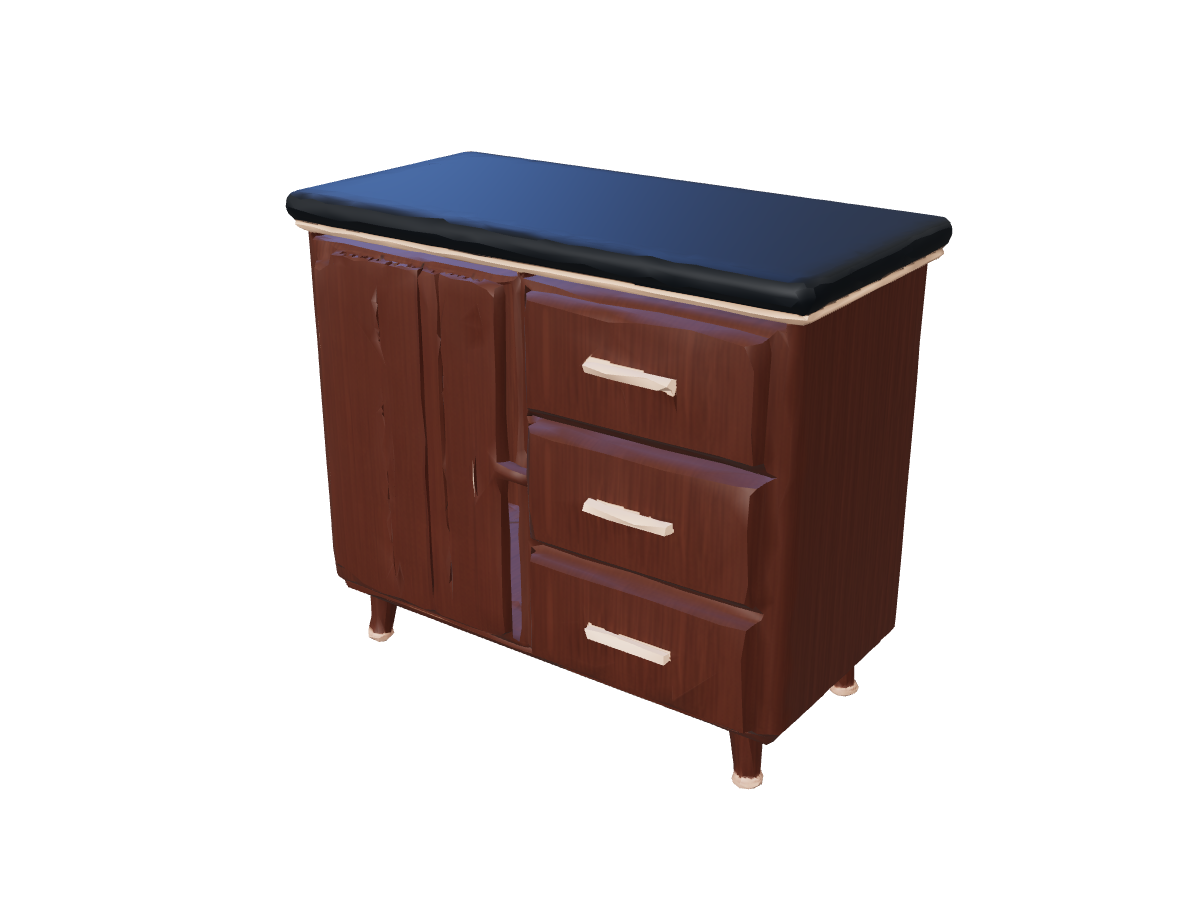
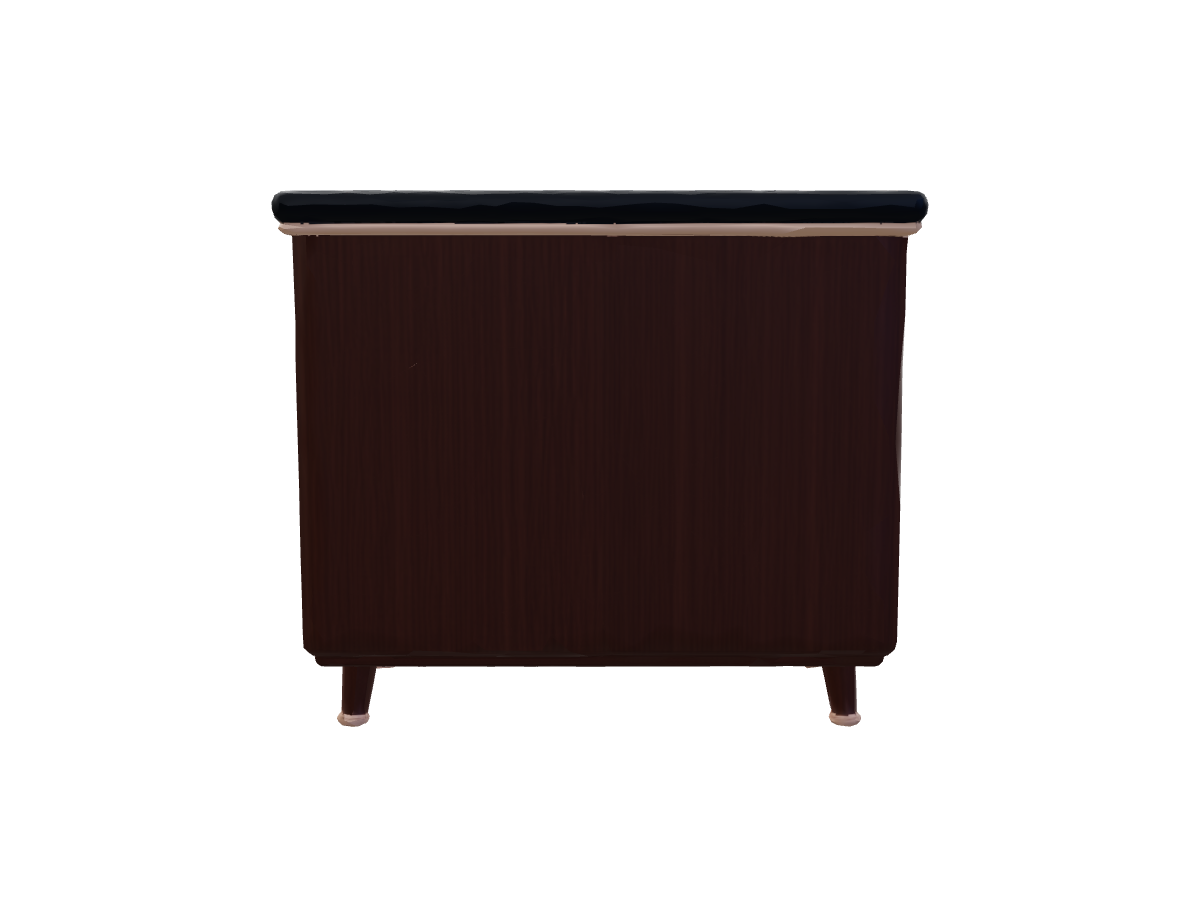
Combine two to six reference views to guide a 3D model. NovaGen3D's multi image to 3D generator produces glTF 2.0 (.glb) meshes by reconciling front, rear, profile, and three-quarter angles in a single unified reconstruction pass.
Reduce hidden-surface guesswork for complex props, character turnarounds, and product designs. Sign in to start generating with welcome credits.
Complementary camera perspectives provide more information about depth and shape:
| Set Size | Recommended Perspective Combination | Ideal Use Case |
|---|---|---|
| 2 Views | Front View + Side Profile (90-degree offset) | Symmetrical objects, simple furniture, architectural props |
| 3–4 Views | Front + Back + Left/Right Side Profiles | Character model sheets, vehicle turnarounds, footwear |
| 5–6 Views | Front + Back + Both Sides + Top/3/4 Angles | Complex mechanical assemblies, organic creatures, intricate collectibles |
Maintain identical subject state: Ensure articulated parts, straps, or accessories remain in the exact same static position across all photos.
Harmonize proportions and crop: The subject should fill a similar proportion of each image frame, preventing scaling ambiguities.
Consistent lighting environment: Diffuse, neutral lighting across all shots prevents false surface depressions or phantom ridges caused by shifting shadows.
Upload your image sequence: Select between 2 and 6 PNG, JPG, or WebP files (up to 100 MB each), or paste public HTTPS image links.
Select reconstruction settings: Choose Quality mode for intricate surface definition, or Turbo mode for rapid shape mockups.
Execute multi-view reconstruction: Sign in to submit the task using your account credits. The service processes the views in one reconstruction task.
Inspect and download: Rotate the finished GLB model and compare it with your saved source images from every perspective.
The images do not need identical pixel dimensions. Make sure the subject is clearly focused and uncropped in each view.
For best geometric coherence, use images from the same visual medium (e.g., all photographs or all orthographic character turnaround sketches). Mixing different art styles or contradictory designs can lead to ambiguous surface boundaries.
If you only have one clear vantage point, switch to our dedicated Image to 3D Converter. Repeating or duplicating the same photo in Multi-Image does not add geometric information.
Review your exported GLB before taking it into a downstream workflow:
Mesh Inspection: Open it in our client-side 3D Viewer to review wireframes and vertex counts.
Surface Styling: Apply custom image finishes in the AI Texture Generator.
Character Animation: Rig bipedal models automatically using Auto Rigging.
3D Printing: Convert locally to STL with our zero-credit GLB Converter.
Combine two to six reference views to guide a 3D model. NovaGen3D's multi image to 3D generator produces glTF 2.0 (.glb) meshes by reconciling front, rear, profile, and three-quarter angles in a single unified reconstruction pass.
Reduce hidden-surface guesswork for complex props, character turnarounds, and product designs. Sign in to start generating with welcome credits.
Complementary camera perspectives provide more information about depth and shape:
| Set Size | Recommended Perspective Combination | Ideal Use Case |
|---|---|---|
| 2 Views | Front View + Side Profile (90-degree offset) | Symmetrical objects, simple furniture, architectural props |
| 3–4 Views | Front + Back + Left/Right Side Profiles | Character model sheets, vehicle turnarounds, footwear |
| 5–6 Views | Front + Back + Both Sides + Top/3/4 Angles | Complex mechanical assemblies, organic creatures, intricate collectibles |
Maintain identical subject state: Ensure articulated parts, straps, or accessories remain in the exact same static position across all photos.
Harmonize proportions and crop: The subject should fill a similar proportion of each image frame, preventing scaling ambiguities.
Consistent lighting environment: Diffuse, neutral lighting across all shots prevents false surface depressions or phantom ridges caused by shifting shadows.
Upload your image sequence: Select between 2 and 6 PNG, JPG, or WebP files (up to 100 MB each), or paste public HTTPS image links.
Select reconstruction settings: Choose Quality mode for intricate surface definition, or Turbo mode for rapid shape mockups.
Execute multi-view reconstruction: Sign in to submit the task using your account credits. The service processes the views in one reconstruction task.
Inspect and download: Rotate the finished GLB model and compare it with your saved source images from every perspective.
The images do not need identical pixel dimensions. Make sure the subject is clearly focused and uncropped in each view.
For best geometric coherence, use images from the same visual medium (e.g., all photographs or all orthographic character turnaround sketches). Mixing different art styles or contradictory designs can lead to ambiguous surface boundaries.
If you only have one clear vantage point, switch to our dedicated Image to 3D Converter. Repeating or duplicating the same photo in Multi-Image does not add geometric information.
Review your exported GLB before taking it into a downstream workflow:
Mesh Inspection: Open it in our client-side 3D Viewer to review wireframes and vertex counts.
Surface Styling: Apply custom image finishes in the AI Texture Generator.
Character Animation: Rig bipedal models automatically using Auto Rigging.
3D Printing: Convert locally to STL with our zero-credit GLB Converter.